

Evernote for Android
| Rate: | 5/5 votes - 2 |
| License: | Freeware |
| Version: | 11.32.4 | Report about update |
| Updated: | |
| OS: | Android 9.x and higher |
| Interface: | English, Russian, Czech |
| Developer: | Evernote Corporation |
| Categories: | Handwritten notes, stylus - Schedulers, calendar |
| Downloads (today/total): | 0 / 1 252 | Statistics |
| Size: | 153.56 Mb |
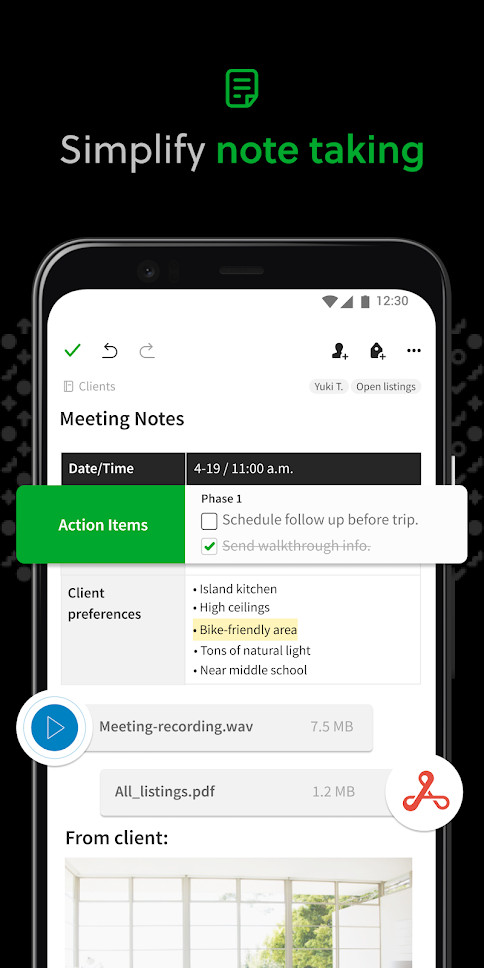
Evernote is a program that allows you to quickly and conveniently remember everything you want to remember, and view your notes wherever the user is, from any computer or mobile phone. The service is provided through a standard web browser or through a special program (local client) Evernote, available for most desktop and mobile operating systems.
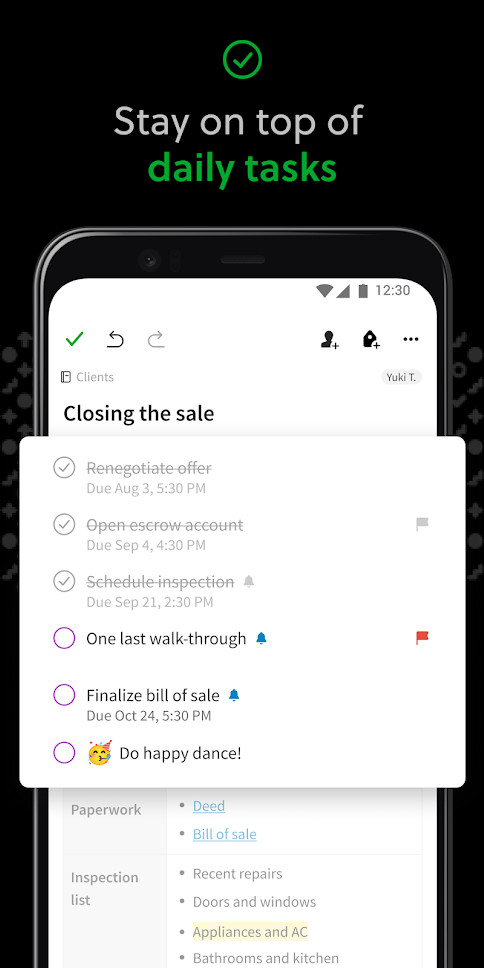
With the help of the application, the user of an Android smartphone can make notes and to-do lists, take photos and attach ads, price tags, schedules to them; save voice, printed and handwritten notes, if possible, with the records tied to geographical coordinates. All this information is synchronized with the user's servers and other devices and becomes available wherever it is needed.
The main features of Evernote:
- a powerful tool for creating notes, task list, shopping list, photos, pictures, email, etc.;
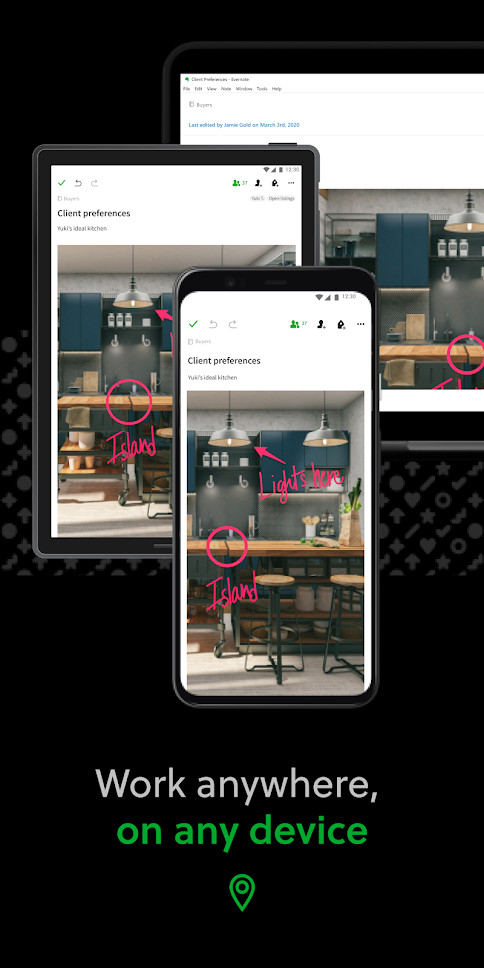
- automatic synchronization and access to notes from the Web, programs on the computer and from a mobile phone;
- sorting notes by attributes and tags;
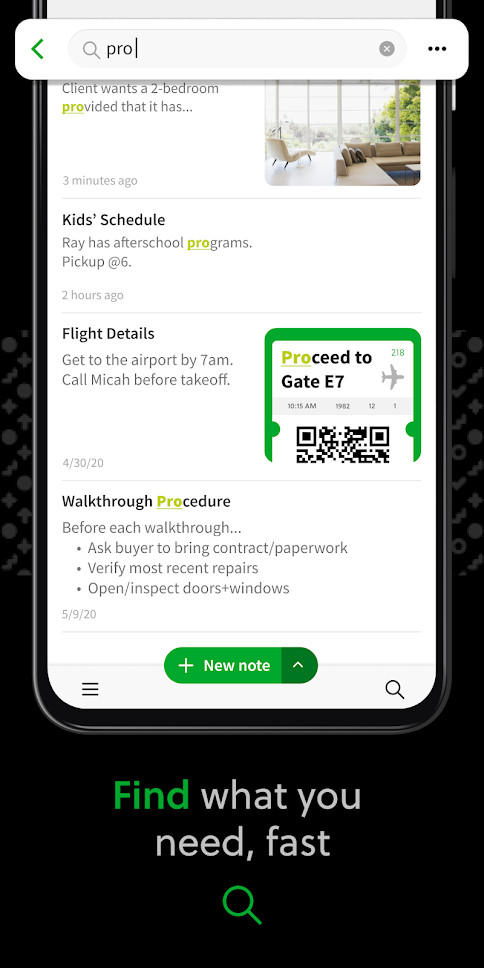
- filters for quick search of notes, including name, date, tags, presence of a picture, etc.;
- the ability to open public access to individual notebooks;
- geotags of notes that allow, for example, to find notes "made within a radius of several kilometers".

New:
- Search results show matching content and jump to the relevant text, image, attachment, transcript, or PDF.
- Navigate between inline tags from Find in Note.
- Tables: easy copying, Excel/Google Sheets compatibility, improved image handling.
- Tags, Shortcuts, and Search visual refresh.
Fixed:
- Live transcription losing content on network interruptions.
- Note link previews failing to show content.
- Callout formatting when deleting blank lines.
- Typing Japanese text in Find in Note.

FullReader is a free universal reader that supports all the most popular formats, such as fb2, epub, doc, rtf, txt, html, mobi, pdf, djvu, xps, cbz, as well as zip...
 Microsoft Word 16.0.17328.20152
Microsoft Word is the most popular text editor for Android devices. You will be greeted by the already familiar interface, specially optimized for working on touch...

Functional tool for working with PDF-documents directly from your mobile Android device. There is a possibility to edit, view, comment and print PDF files, scan and...

FBReader is a reader program for fb2 (and fb2) e-books.zip), ePub, azw, mobipocket, rtf, html, plain text, etc. The user can set font parameters, background color,...
 Microsoft Excel 16.0.14931.20096
Microsoft Excel – work with spreadsheets and databases in the official Excel application from Microsoft. The design and functionality of the program are borrowed...

Memento Database is a great solution for those users who keep a lot of records. This personal database can store a variety of information about purchases, recipes,...
Reviews about Evernote
 Admin
Admin
There are no reviews for Evernote 11.32.4 yet, you can add...
